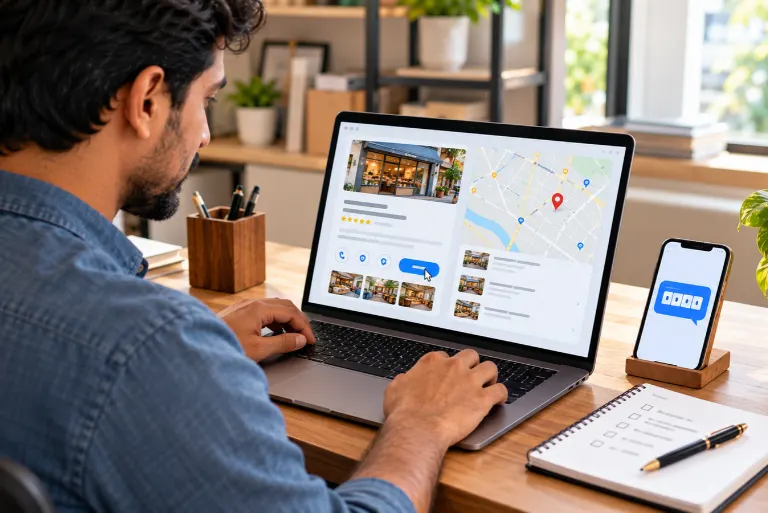
Search for your own shop on Google Maps, and a pin may already be sitting there. A customer could have added it, a previous owner might have set it up years ago, or Google may have built it from public listings. That leaves a practical question: how to claim a business on Google or start a new profile instead? The answer depends on what the search shows.
How to Check If Your Business Is Already on Google Maps
A Google Business Profile, earlier called Google My Business, is a free tool for managing how a business appears across search and maps. Each business profile on Google can show an address, contact details, services, and customer reviews, so the result card works as a quick audit.
Open Google Maps and type the business name with the city. Then try the phone number, an old trading name, and the street address, because a listing can hide behind a former name. Claiming this business button means no verified owner exists yet. If it is missing, someone has probably verified the listing already.
Write down every pin that matches. Two pins for one location is a duplicate problem, and that list will matter later.
How to Claim a Business on Google or Create a New Profile
Claim when a listing already exists for your real business at your real location. Create only when every search comes back empty.
A second profile “just in case” is how duplicates often begin. It splits reviews and attention across two pins, and Google’s guidelines do not support more than one profile per location.

Why Google Suspends Business Profiles and What Usually Fixes Them
Suspensions often follow a rushed claim or edit. A soft suspension usually blocks you from managing the listing, while a hard one can remove it from Search and Maps.
| Cause | What Google Picks Up | What to Do |
|---|---|---|
| Duplicate pins | Two profiles at one address, often one created years ago by someone else. | Keep the profile that holds the reviews, report the extra one, then ask for reinstatement. |
| Shaky address | A PO box, a virtual office, or a street address that differs from your website. | Switch to a staffed location where customers can actually find you, and match it on every site. |
| Keywords in the name | A name like “Smile Dental Cheap Implants Kochi” instead of the real trading name. | Put the real name back. |
| Review trouble | Staff or family leaving five-star reviews, or reviews that carry banned content. | Invite genuine customers to review, and flag the ones that break the rules. |
| Wrong service area | Towns listed where nobody from the business ever travels. | Trim the list to places you really cover. |
| Account flagged | One policy problem on the Google account touching every profile under it. | Read the guidelines, fix the root issue, then submit the reinstatement request. |
Claim a Business on Google Maps, Step by Step
- Search: Open Google Maps and enter the business name and city.
- Select: Pick the right listing, choose Claim this business, then Manage now.
- Verify: Choose from the options Google shows, such as postcards, phones, emails or videos. Google picks them, so you cannot swap them.
- Complete: Add accurate address, hours, categories, and services.
- Stuck: If no option works, contact Google Business Profile support.
Verification options and policy wording change from time to time, so confirm each step in Google’s current help documentation.
What to Do If Someone Else Owns Your Profile
Ownership conflicts stop most people trying to work out how to claim a business on Google. When a verified owner exists, the claim button will not appear. Choose Request access instead, and Google emails the current owner, who can approve or deny it.
A former employee, web developer, or agency often holds the login, and a direct message is usually quicker than any form. If nobody answers after a few days, contact Google Business Profile support. Once access arrives, add a second owner so the profile never hangs on one person.
How to Handle Duplicate Listings
List every pin from your earlier check. Pick the one with the most history, such as verified status, reviews, and correct details. Claim or request ownership of that one, then report the others to Google as duplicates so they can be removed or merged. Deleting at random can wipe out reviews you wanted to keep.
A duplicate under someone else’s account still counts, and an unclaimed pin can collect stale details for years. Keep the name, address, and phone number identical wherever the business appears online. Current details and prompt replies to reviews also help build a trustworthy reputation.
Final Thoughts
Claim when a listing exists; create only when nothing does. Check first, verify honestly, ask for ownership politely, and report extras instead of deleting them. Silverhost, a digital marketing company in Kerala, lists Google Business Profile management among its services. So when you search your own business name today, how many pins come up?
FAQ
Search for the business, open the right listing, and tap Claim this business, then Manage now. Pick a verification option Google offers and finish the steps. If the button is missing, someone has likely verified it already, so request access instead.
Nope. A second profile usually means duplicates, split reviews, and a possible suspension. Claim the existing listing. Start fresh only when your name, phone number, and address turn up nothing at all.
Use the Request access on the listing. Google emails the current owner, who can approve or deny it. Ask whoever set it up, maybe an ex-employee or web developer, directly. After a few quiet days, contact Google support.
Usually a guideline slips. Duplicate pins, a PO box address, a name stuffed with keywords, and rule-breaking reviews are common triggers. Fix the cause first, then request reinstatement. Appealing before fixing rarely helps.